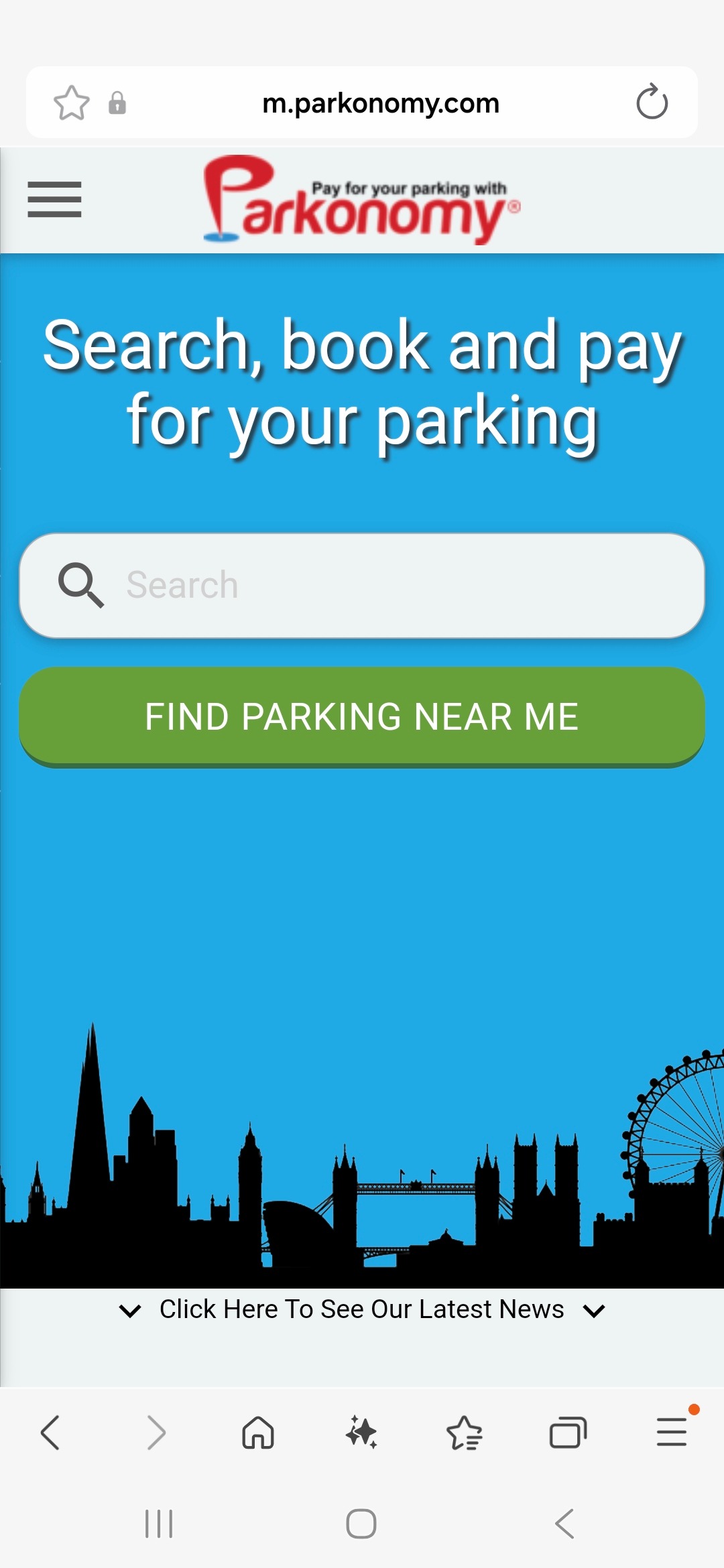
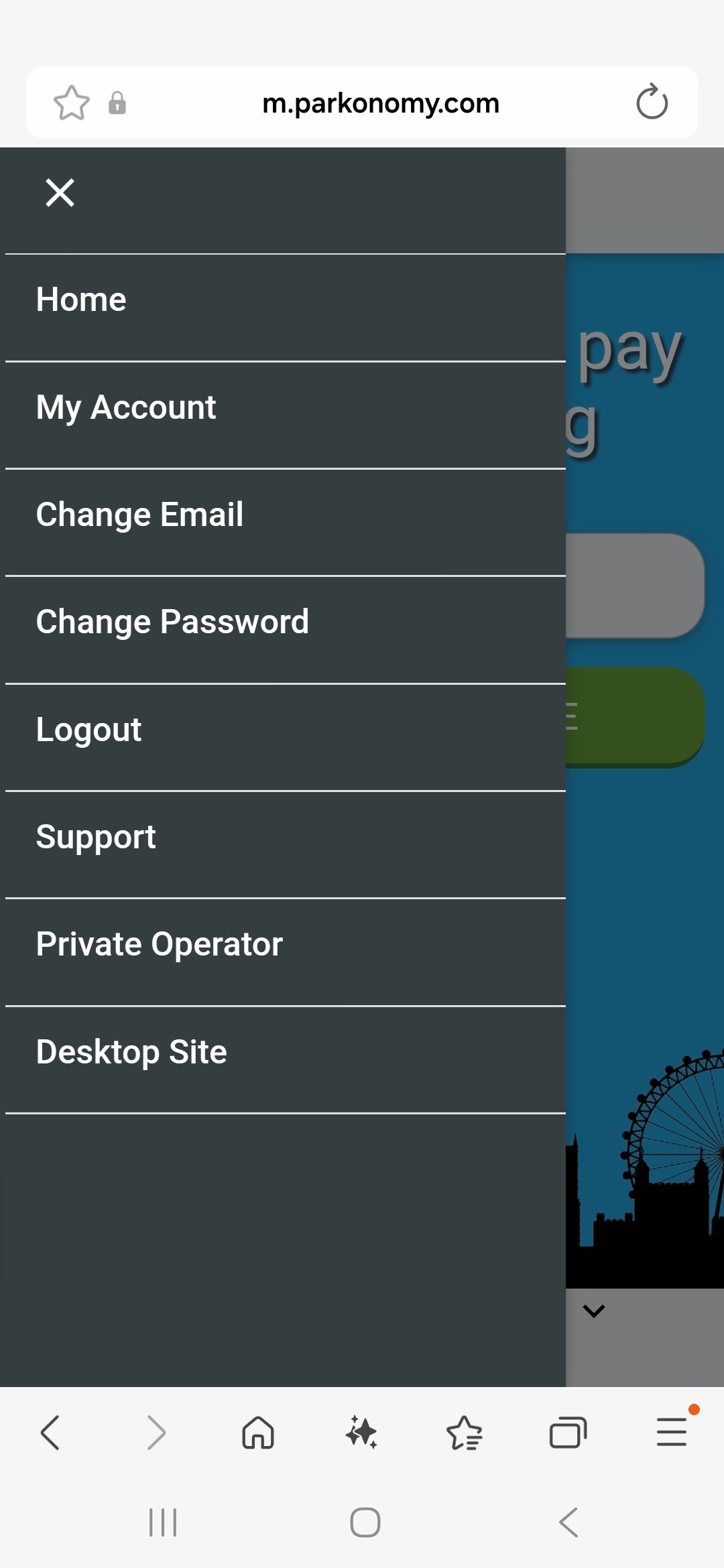
Tap on the icon at the top left of the screen to reveal the menu and select ‘My account’. |
 |
 |
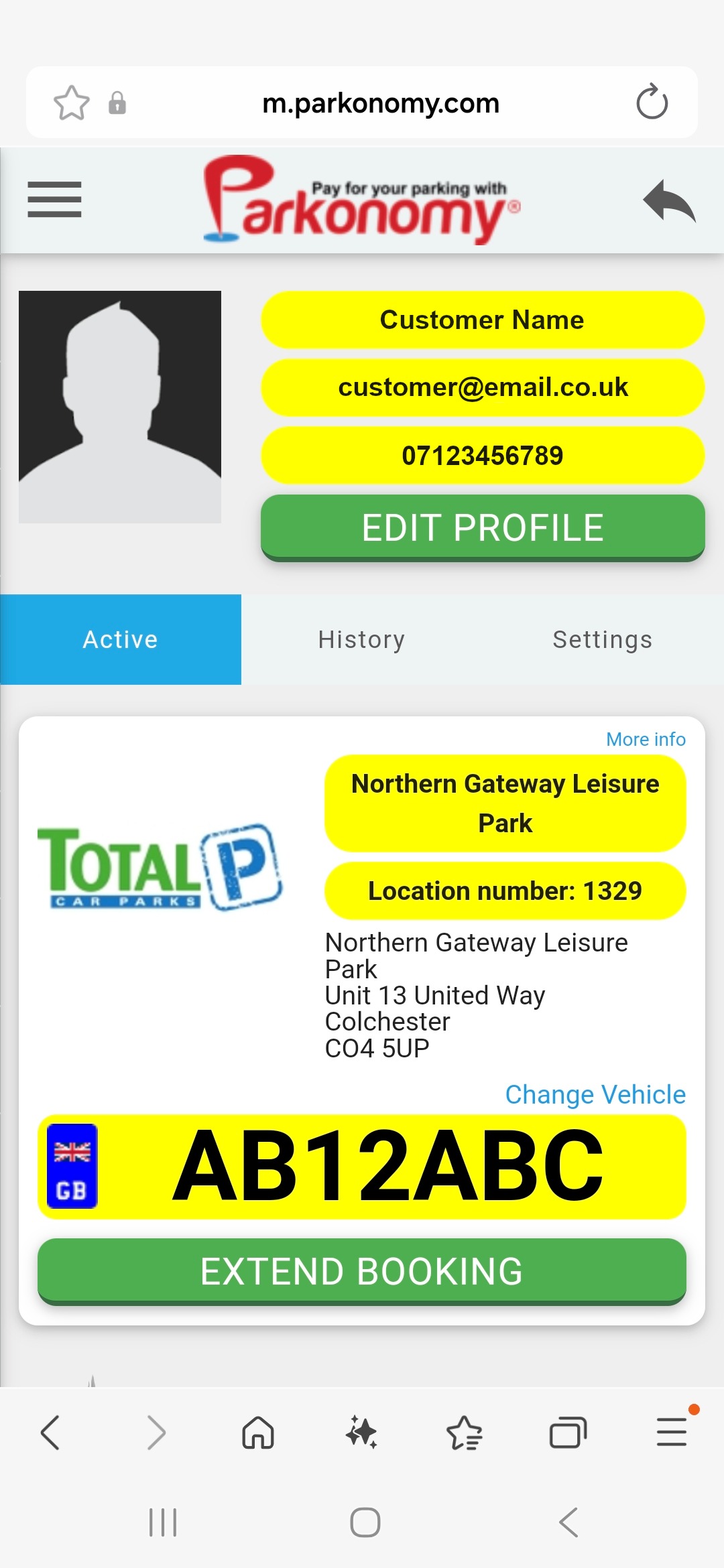
You can now see details of your active parking session. Tap on the blue text that says 'Change Vehicle'. |
 |
Tap 'ADD NEW VEHICLE'. |
 |
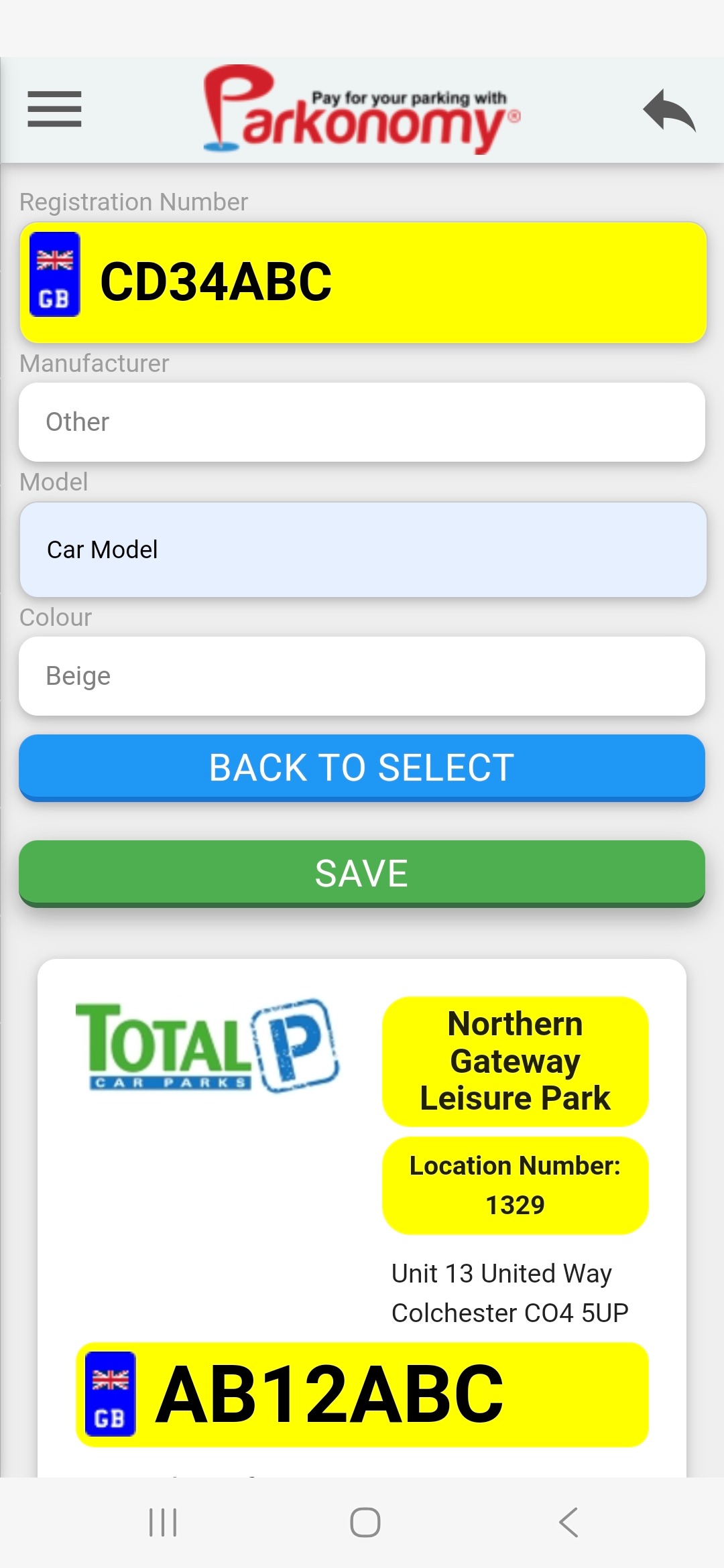
Enter new vehicle registration number and description, then tap 'SAVE'. |
 |
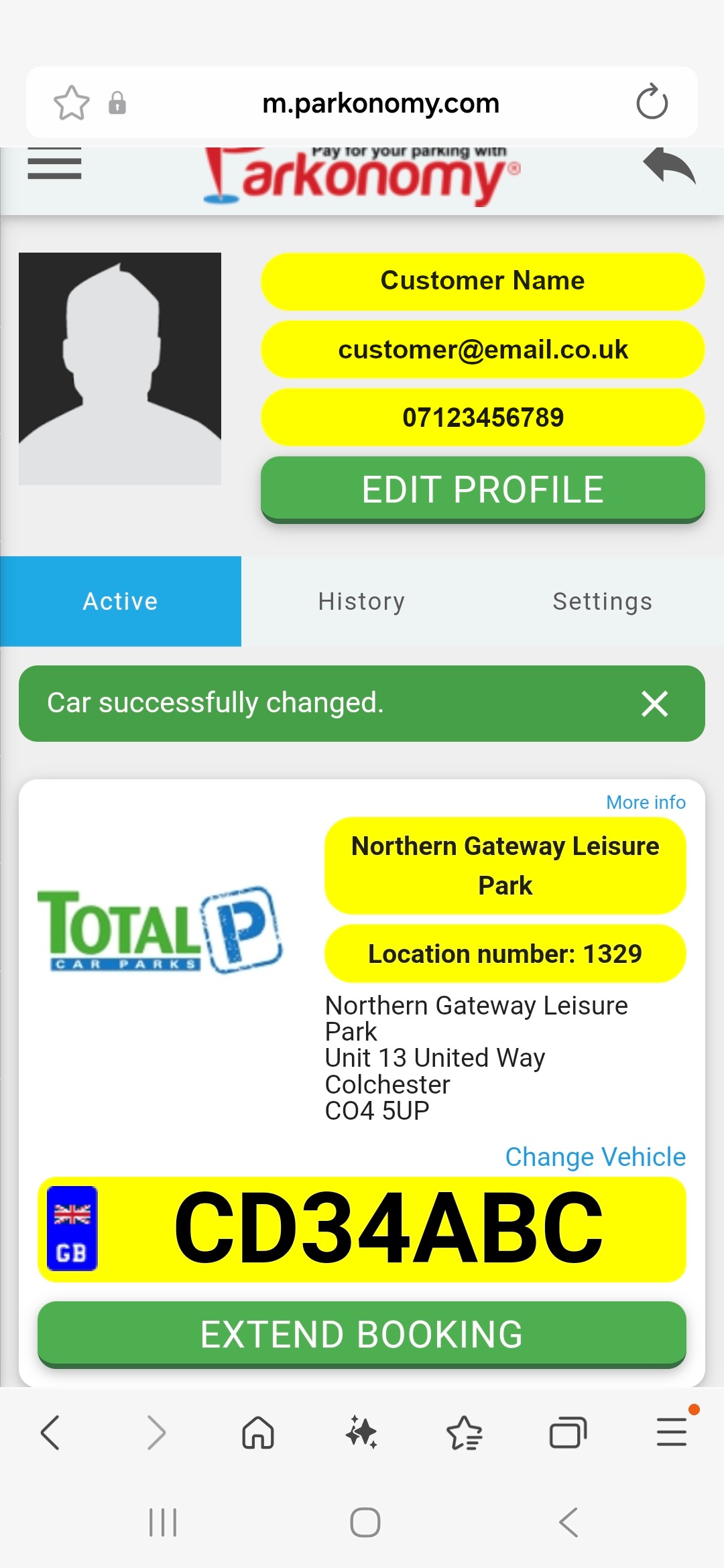
You will finally receive a message confirming the vehicle change. |
 |
Was this article helpful?
That’s Great!
Thank you for your feedback
Sorry! We couldn't be helpful
Thank you for your feedback
Feedback sent
We appreciate your effort and will try to fix the article