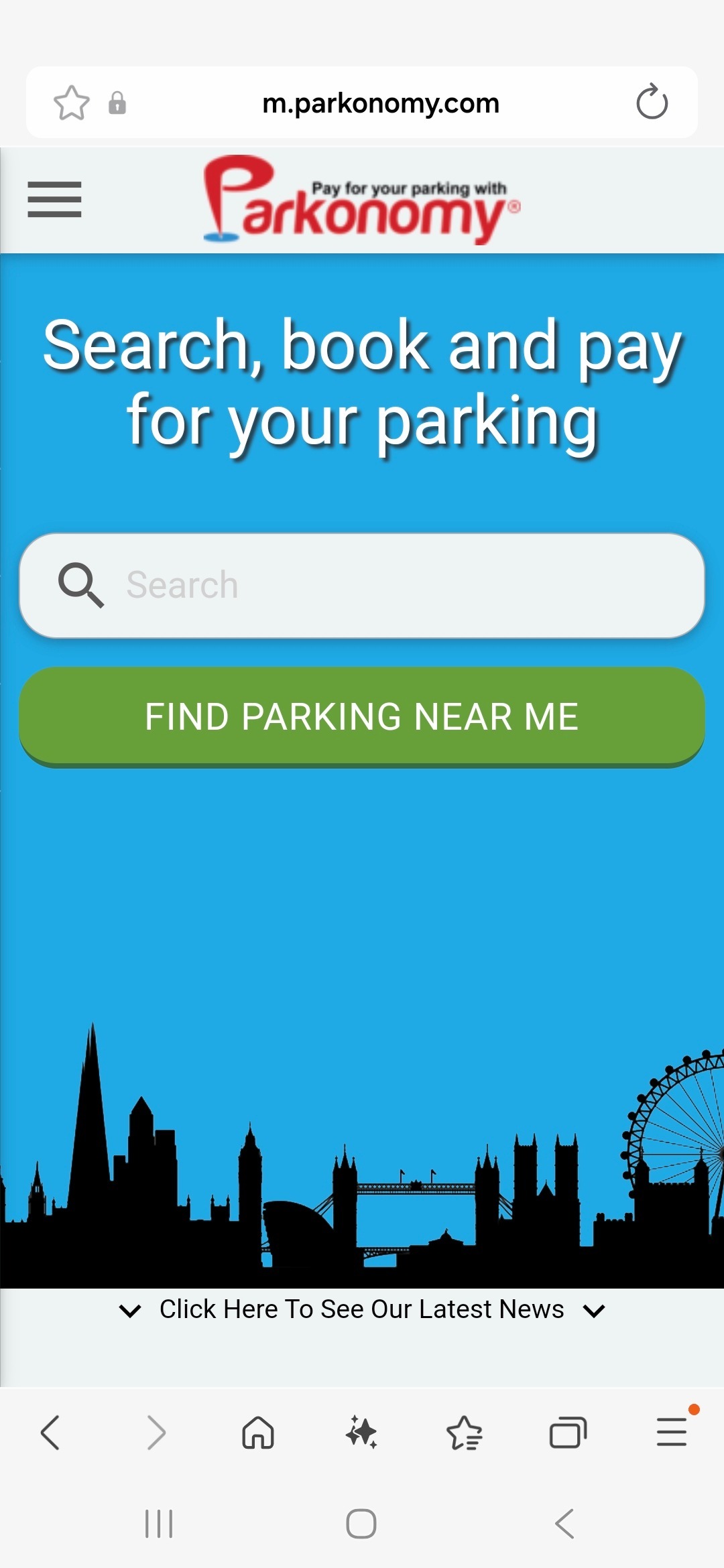
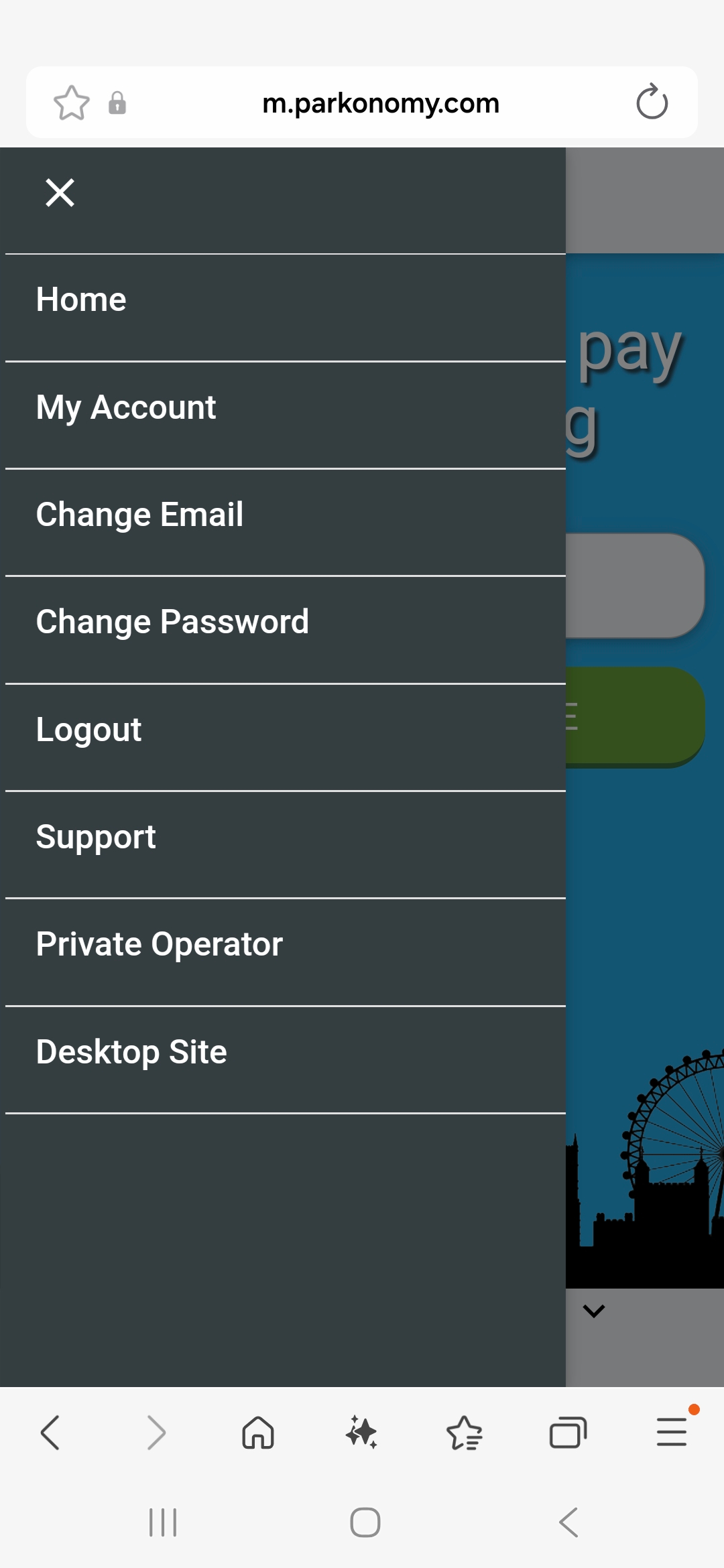
Whilst logged in, tap on the icon at the top left of the screen to reveal the menu and select ‘My account’. |
 |
 |
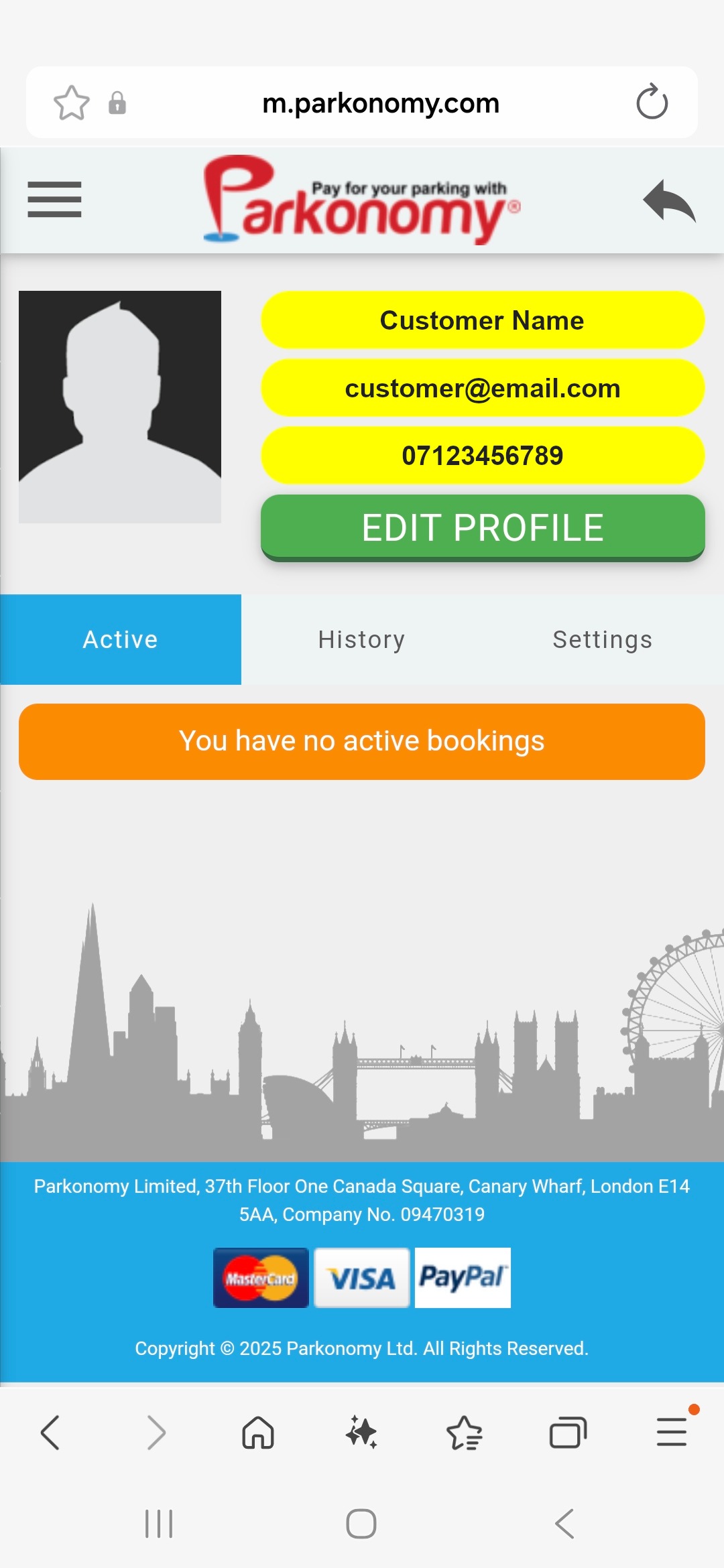
After selecting ‘My Account’, tap ‘Settings’ and scroll down the page until you see the option ‘ADD CARD’ in ‘PAYMENT CARDS’. |
 |
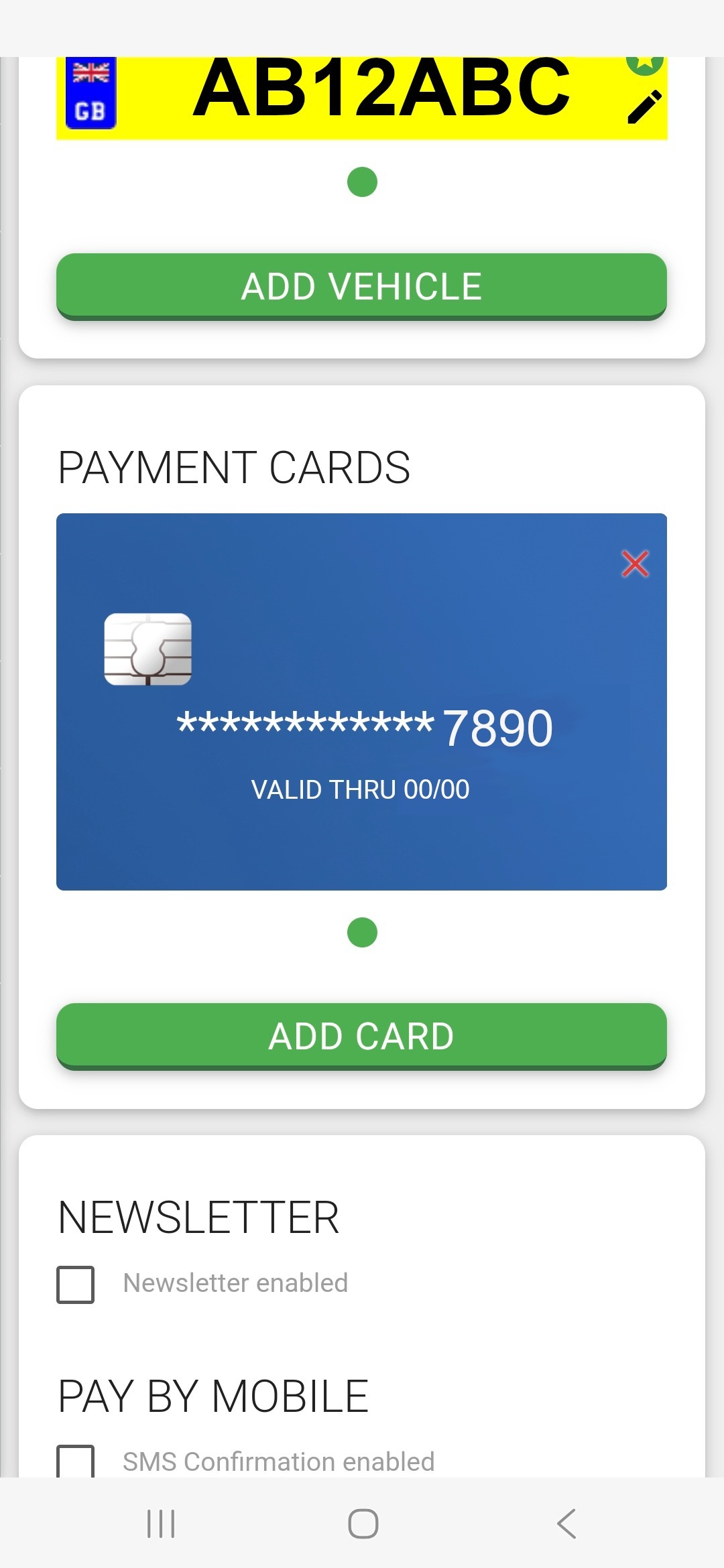 |
The feature to add a payment card this way is currently unavailable. You can only remove the card by tapping on the red X at the top right corner of the card image. |
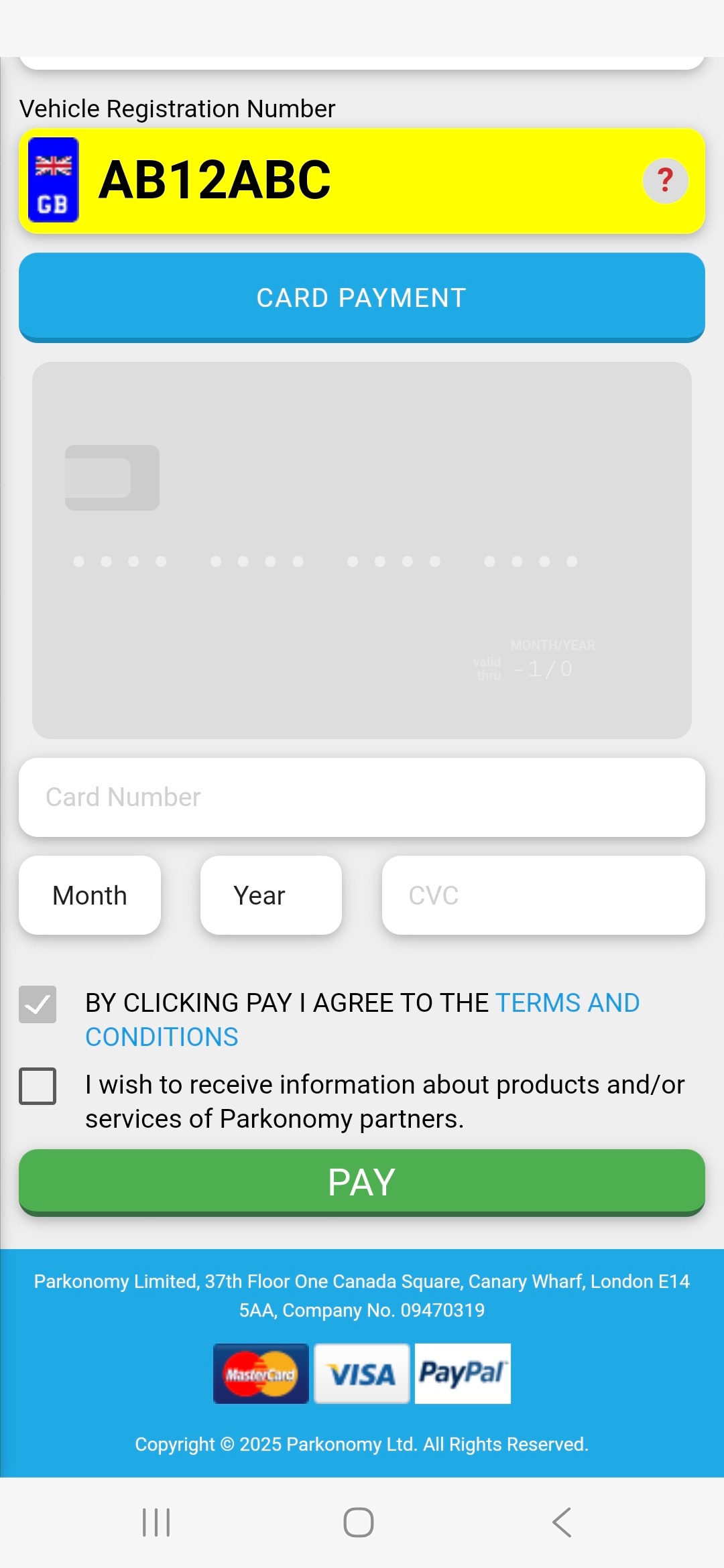
Card details can only be added at the end when booking a parking session through the normal booking process. |
 |
Was this article helpful?
That’s Great!
Thank you for your feedback
Sorry! We couldn't be helpful
Thank you for your feedback
Feedback sent
We appreciate your effort and will try to fix the article