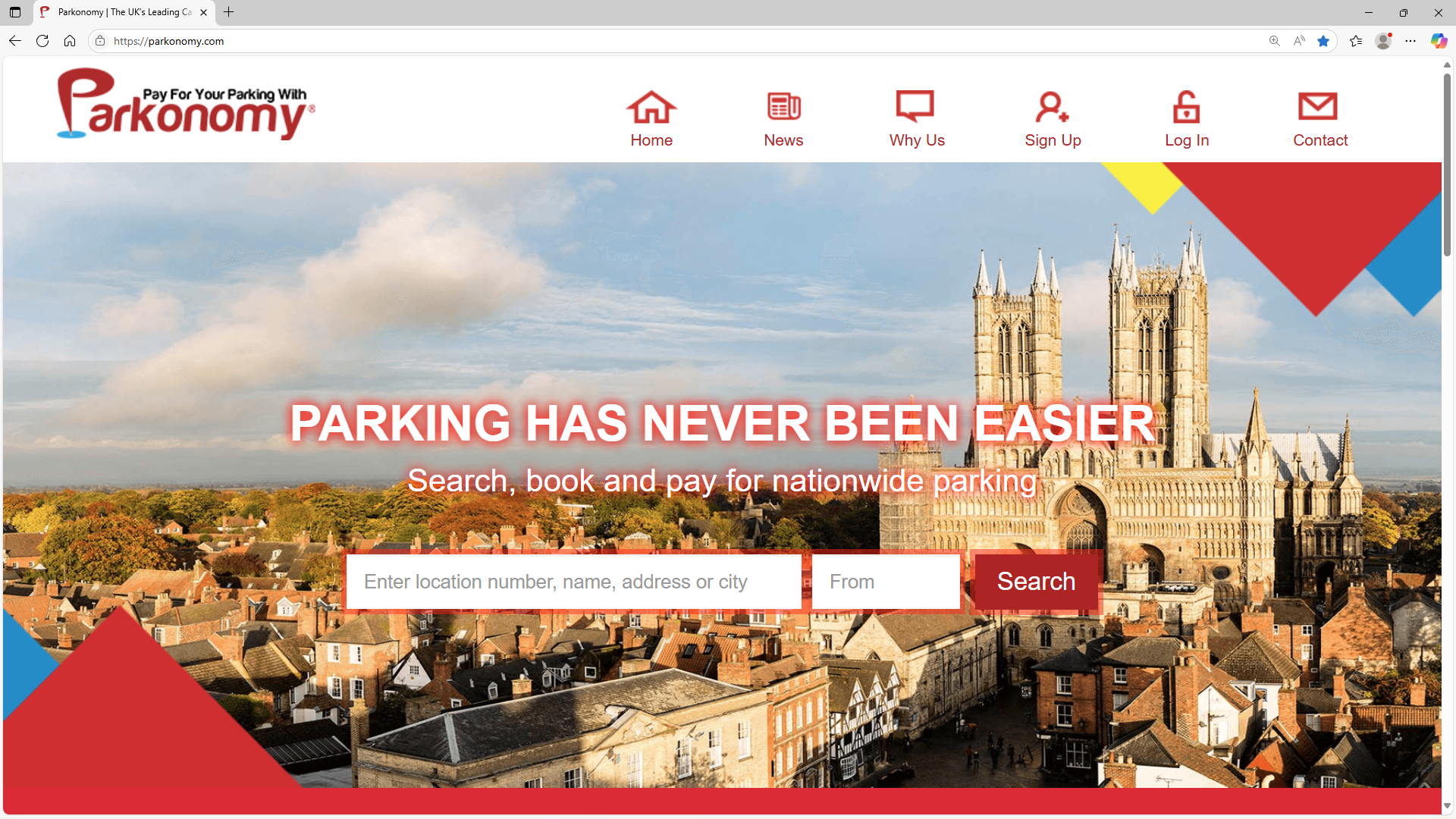
Enter the Parkonomy website at parkonomy.com Click on the padlock icon labelled ‘Log In’ located at the top of the home page. |
 |
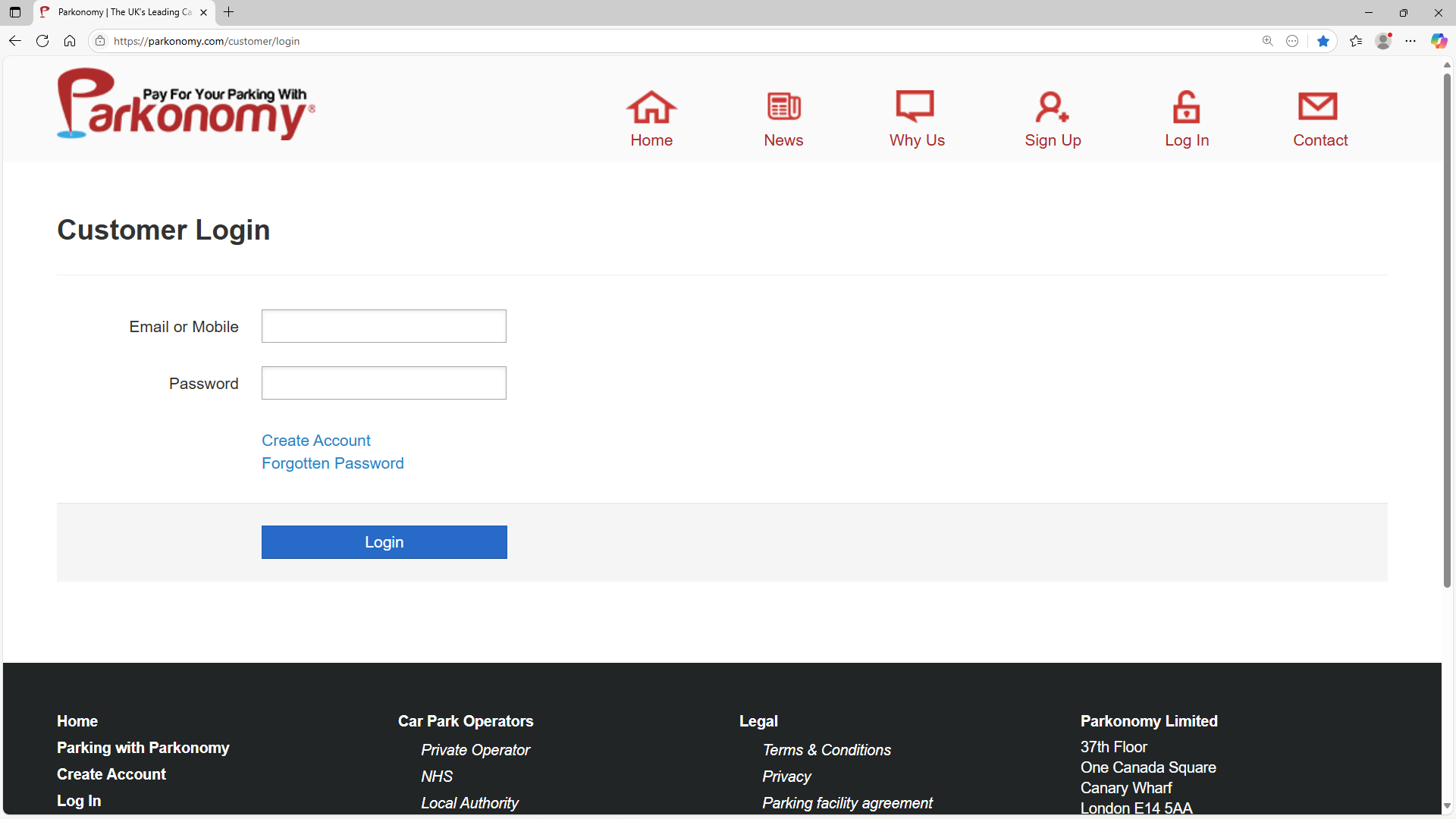
Then click on 'Forgotten Password' in the customer Login page. |
 |
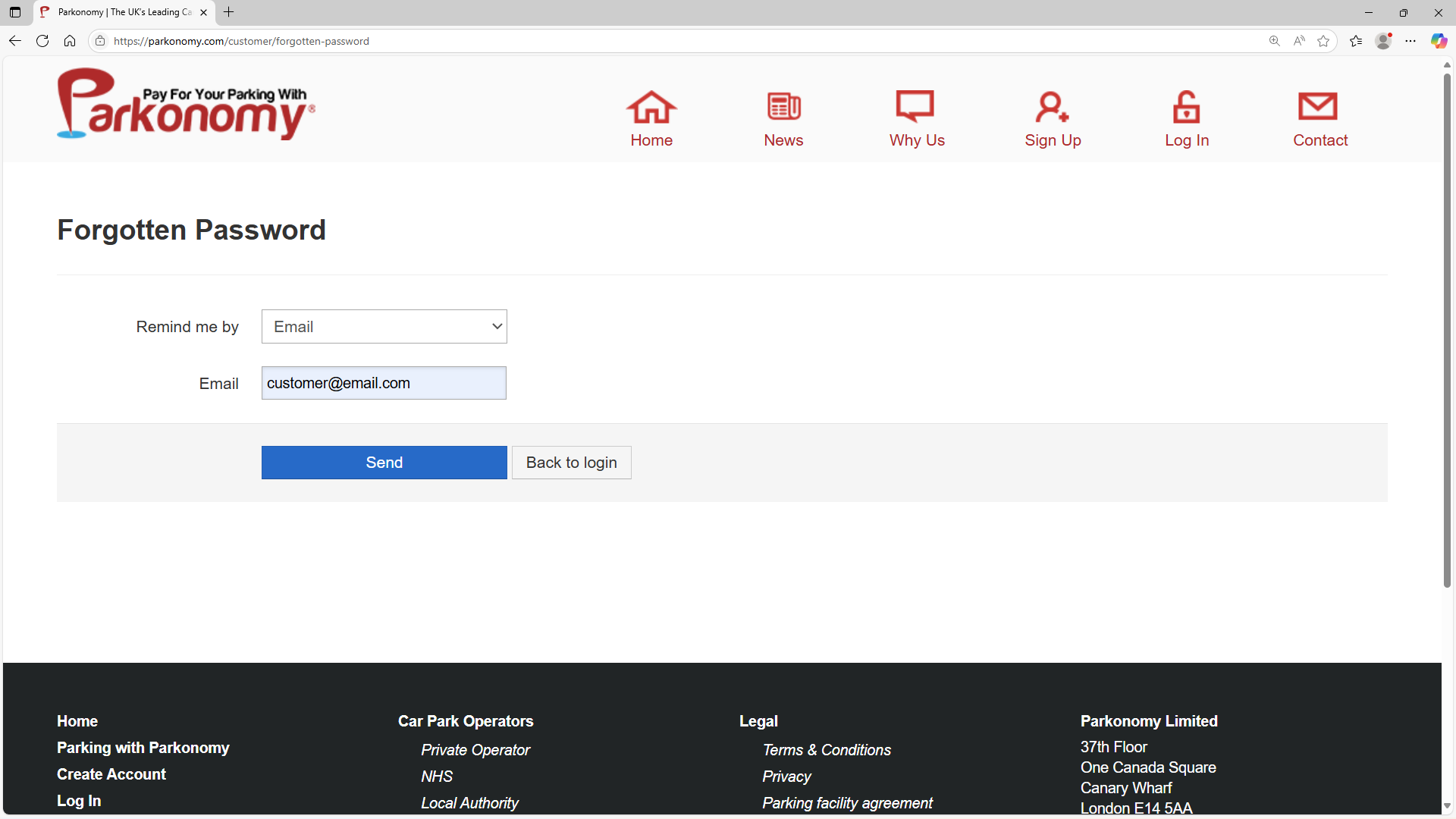
You have two options in the dropdown menu next to ‘Remind me by’. Reset by entering your email address or mobile phone number that is registered with your account. |
 |
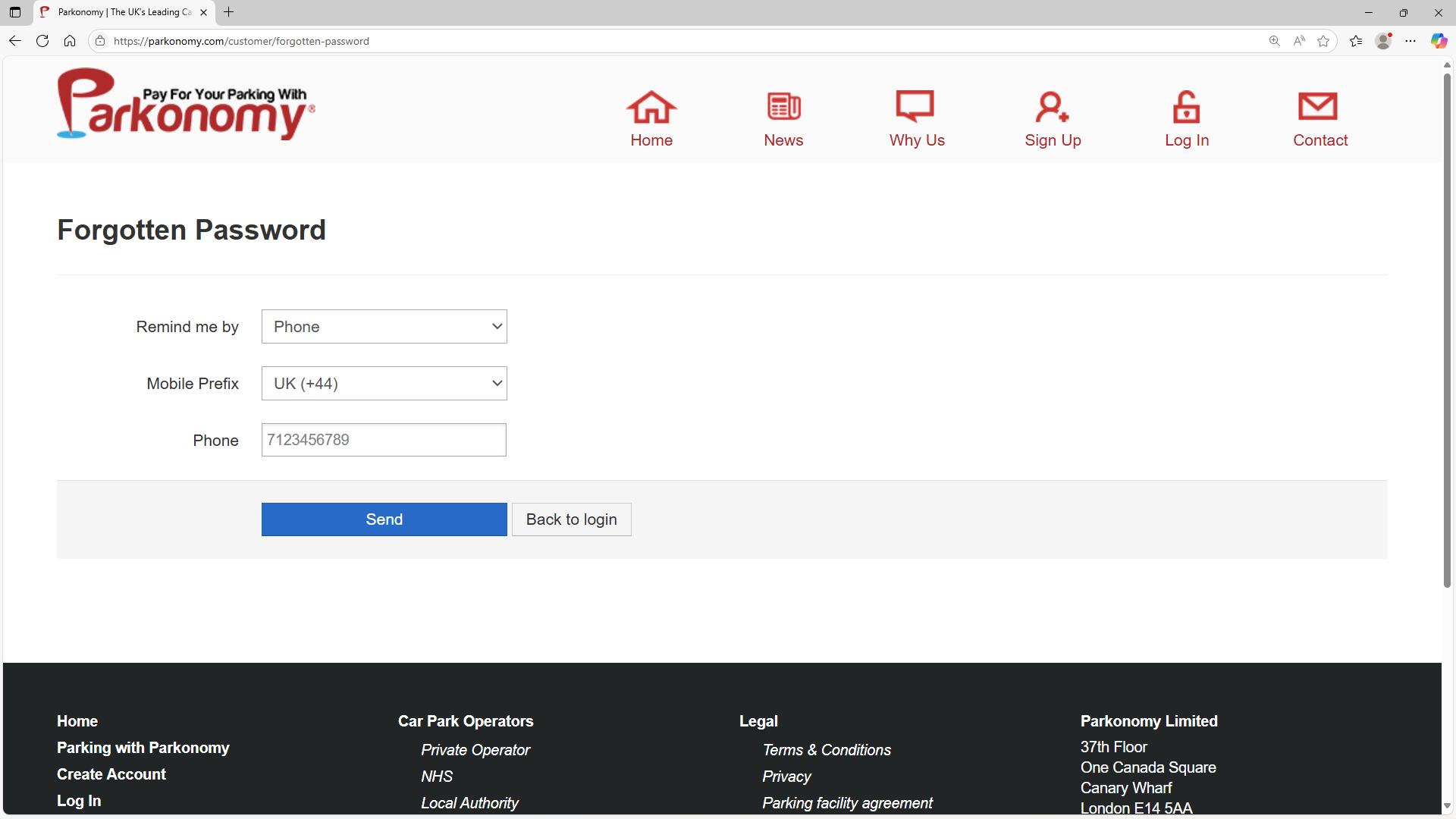
When resetting your password by using your mobile phone number, enter your mobile phone number missing out the first zero (e.g. 7123456789). |
 |
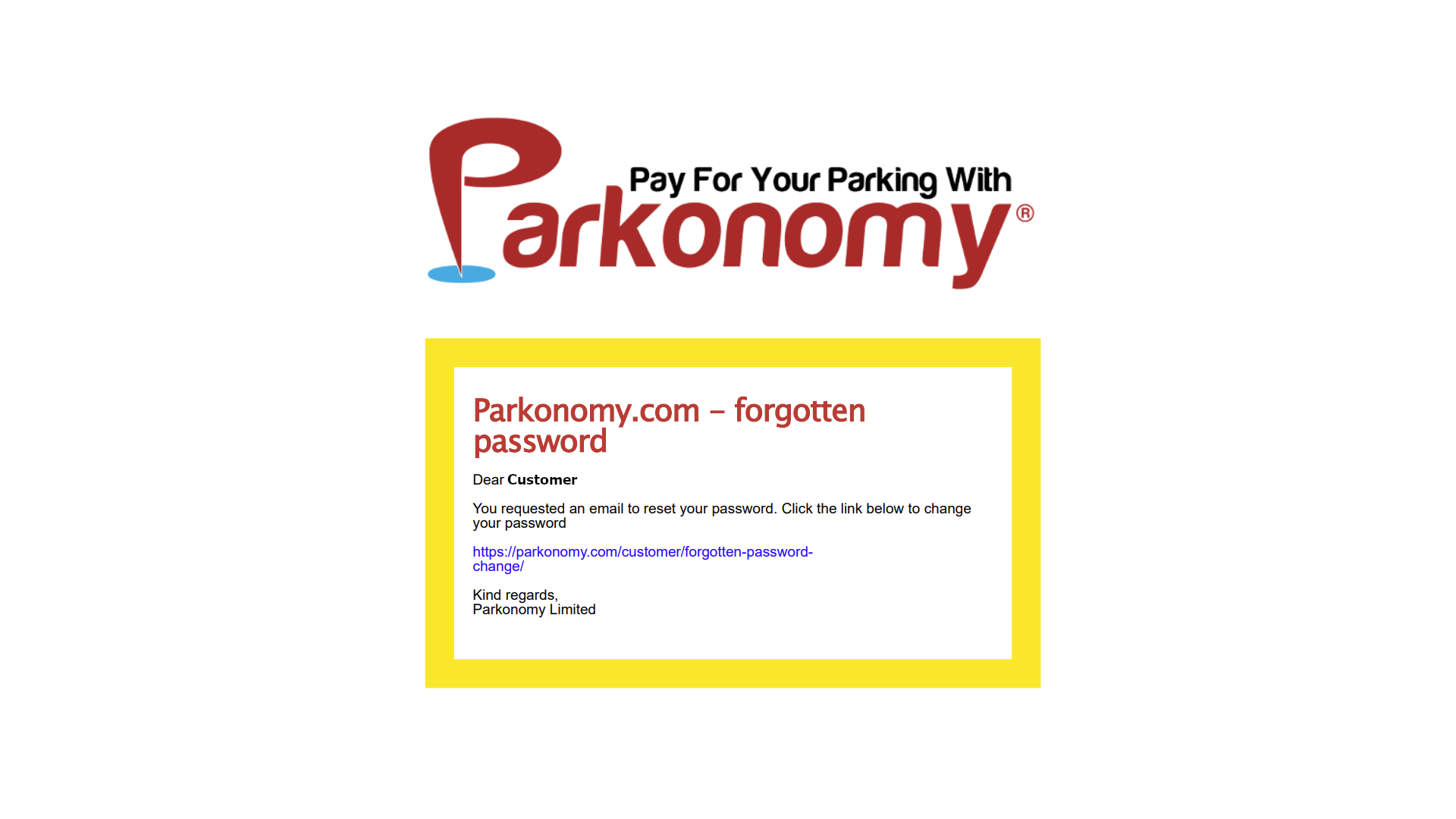
If you selected email, you would receive a password reset link to your email address allowing you to make a new password. |
 |
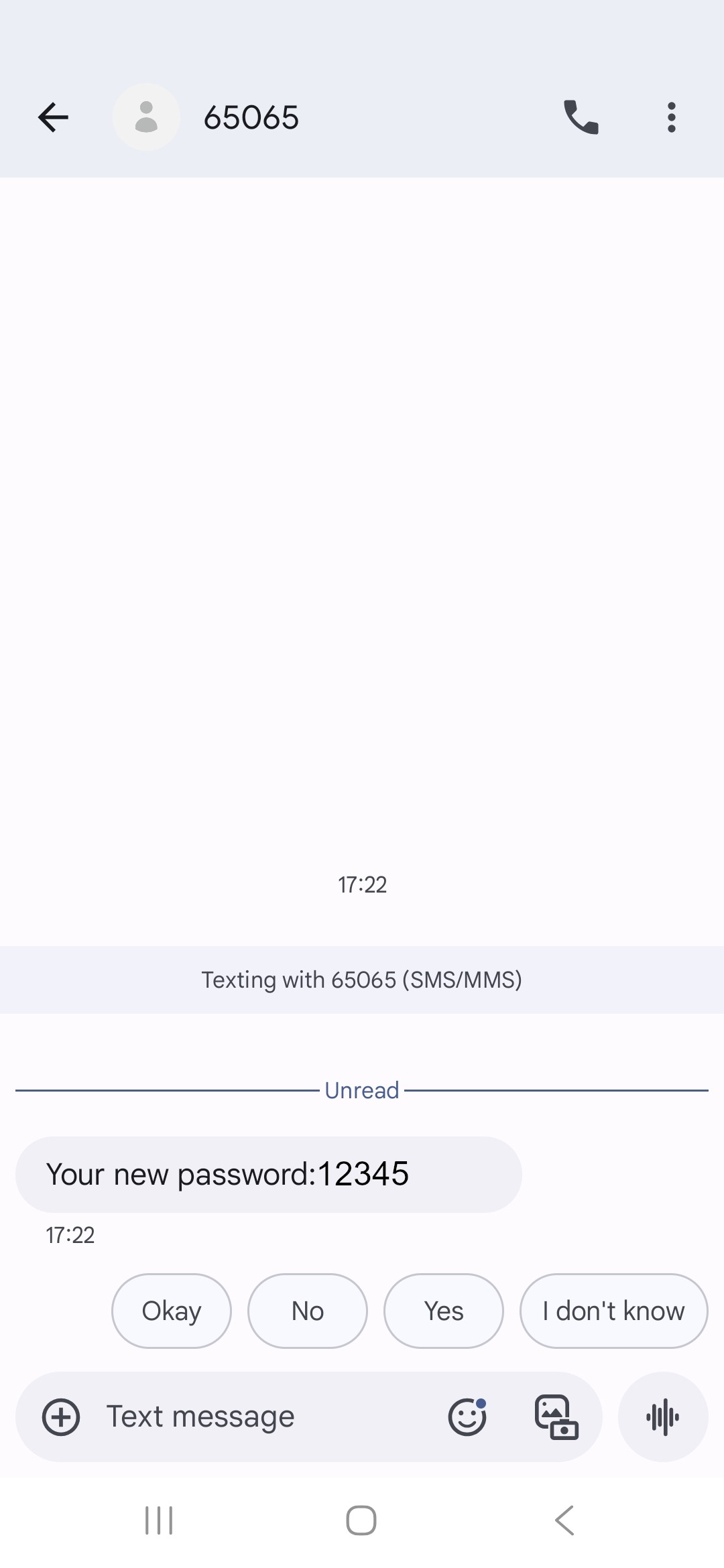
Alternatively, by selecting ‘Phone’, you would receive a text message with an automated password to use and regain access to your account. This password can be changed again once you are logged in. |
 |
Was this article helpful?
That’s Great!
Thank you for your feedback
Sorry! We couldn't be helpful
Thank you for your feedback
Feedback sent
We appreciate your effort and will try to fix the article